
The AI assistant
Chat with shoppers in their language
WOLE replies in the language each shopper writes in, across 37 languages. How it picks one, and how to translate your own wording, like handoff messages.
Updated
You write your FAQ, pages and policies in one language. WOLE answers each shopper in theirs, on every plan, translating your content as it replies.
How WOLE picks the language
- It replies in the language of the shopper’s latest message, if it’s one of the 37 WOLE speaks.
- A message too short to tell, like an order number or an emoji, keeps the language the chat was already in.
- A language WOLE doesn’t speak gets your Default language.
The widget’s own buttons and labels come in the same 37 languages, and follow the shopper’s.
Your own wording
Some lines are yours rather than WOLE’s: what the shopper is told when a chat goes to your team, the line in place of an answer WOLE doesn’t have, the order lookup questions, the rating card, the request for contact details and the email to the shopper. Settings → Translation decides what shoppers see for them in other languages.
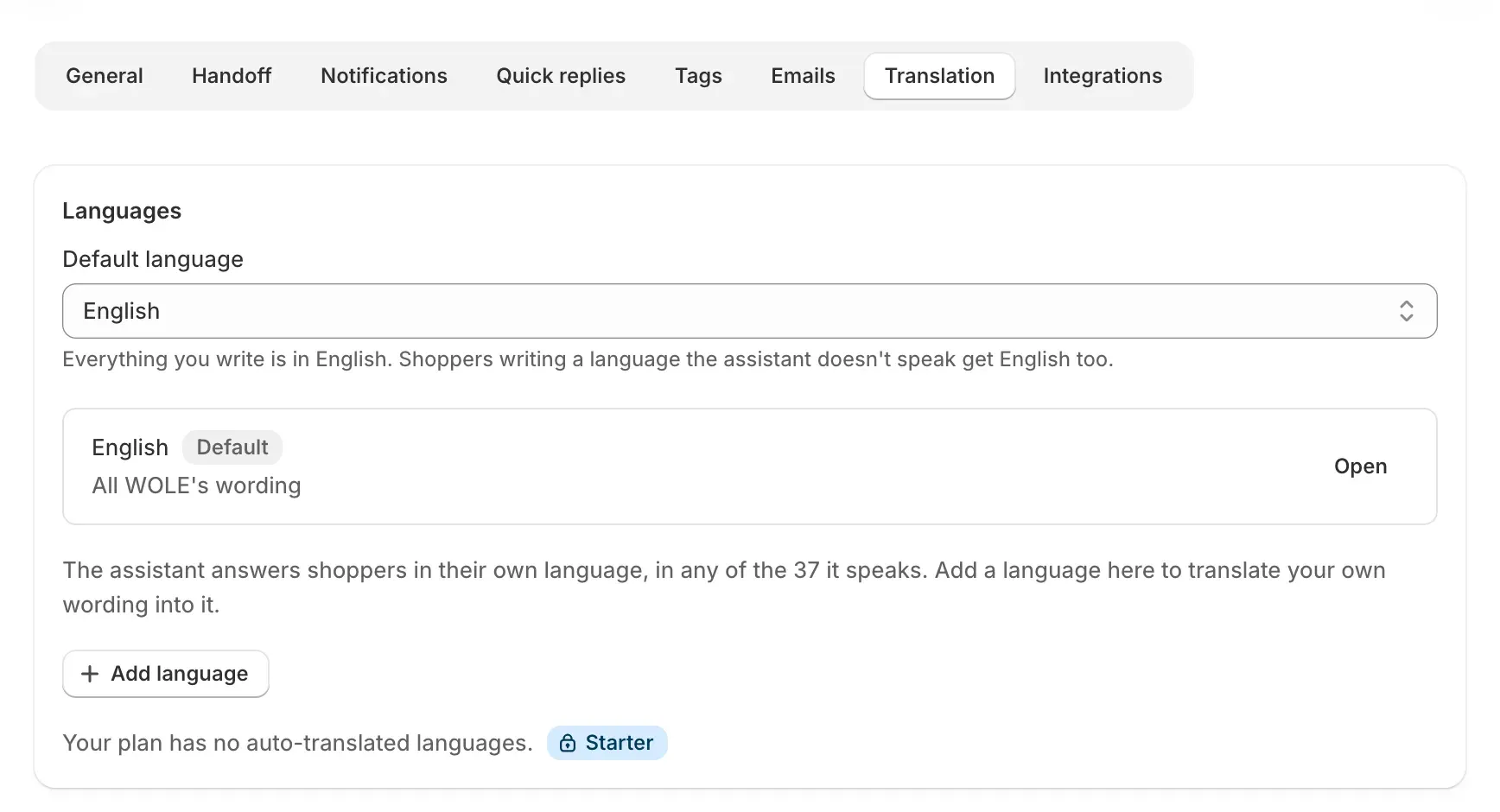
- Set your Default language: the one you write in.
- Click Add language and choose who translates your lines:
- WOLE’s AI translates them as soon as you save them.
- I’ll translate them leaves them for you; until you do, shoppers see WOLE’s own wording in that language.
- Open a language to check its lines. Each one is marked Auto-translated, Reviewed, Edited, Out of date or Not translated yet. Change any line yourself, or use Translate missing with AI.
How many languages WOLE’s AI translates for you depends on your plan: 3 on Starter, 10 on Growth, and no limit on Pro and Scale. On Free, and for languages past your plan’s limit, you translate them yourself.
Removing a language doesn’t stop WOLE answering in it. Shoppers who write in it still get replies in it, with WOLE’s wording in place of yours.
Check it
In Test AI, ask a question in another language. The card under What the assistant did says which language WOLE replied in.